












Contents
Charmius Casino App in Australia: Installing It From the Browser
Charmius does not publish an app in the App Store or on Google Play. The “app” is a progressive web app: you open the Charmius site in Chrome or Safari, use the browser’s install option, and the icon appears on your home screen or desktop. The first installation on an account also unlocks 20 free spins. The table below tells you which browser and menu to use on your device.
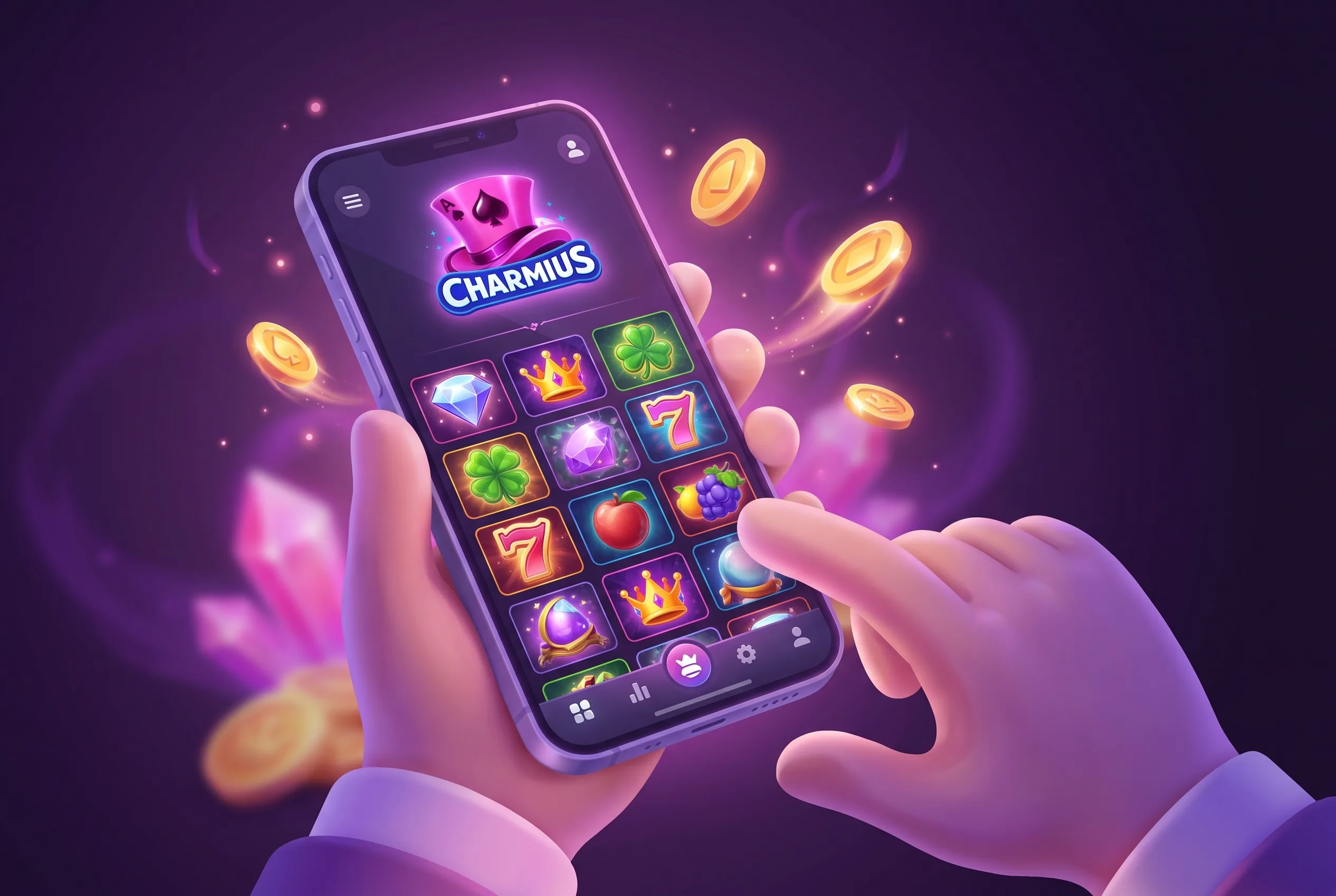 Play on mobile
Which install route fits your device
| Your device | Browser to open | Menu path | Result |
|---|---|---|---|
| Android phone | Chrome | Three dots next to the address bar, then “Install the Charmius Casino App”, then Install in the pop-up | Icon on the home screen |
| iPhone or iPad | Safari | Share icon, then “Add to Home Screen” | Icon on the home screen |
| Windows computer | Chrome | Install icon at the right end of the address bar, then Install in the pop-up | App icon on the desktop |
| Mac | Safari, or Chrome | Safari: install icon in the browser panel, Share, “Add to Dock”, then Add | Icon in the Dock |
The Mac steps work only in Safari and Chrome, which the install page states, so a Mac user on another browser should open one of those first. If you hold several devices, choose the one you play on most. The account is shared, so the balance, bonus progress and VIP level follow you to every device you log in on, and no second registration is needed.
When the install option does not appear
Three situations come up, and the interface covers each.
Opened from a social app or email. A link tapped inside another app opens in an embedded browser that cannot install anything. On Android the Charmius screen shows “Open Charmius in Chrome” with an Open in Chrome button. On iPhone it says “Use Safari for the best experience”: tap and hold the button for one second, then choose the option that opens the page in your regular browser.
Wrong browser on a desktop. The Windows steps are written for Chrome, and the Mac steps for Safari or Chrome. Anything else may hide the install icon.
Old home-screen icon. An older shortcut can show “Install new app” and “Install the new app to keep access to your account, balance, and progress”. Press Copy link, paste it into Chrome (Android) or Safari (iPhone), and follow the steps on the site. Your account, balance and progress stay with the login.
The 20 install free spins: terms and arithmetic
Installing the app gives a no-deposit gift of 20 free spins, played at 0.10 AUD a spin, so 2 AUD of stake value. Winnings carry x40 wagering, and spent or expired spins stay in the bonus history for one month. Twenty spins that return 10 AUD would require 400 AUD of bets before the money can be withdrawn.
The spins are awarded automatically on installation. The site shows “You’ve got 20 Free Spins” with a Go to Bonuses button, and you switch them on from that button or under Profile, then Bonuses; the iPhone prompt says “Activate your Free Spins in the Bonuses section”. The offer is available once per account, tied to the first installation, so installing again on a second device does not repeat it.
The general no-deposit rule caps withdrawable winnings from a no-deposit bonus at 75 AUD and requires a verified account and the minimum deposit. So a payout from these spins needs a deposit: the account minimum is 10 AUD, but every listed payment method starts at 20 AUD, and the welcome bonus needs 30 AUD.
Install prompts and buttons you will meet on the site
You do not have to hunt through the browser menu. The site header carries an Install application link, and a pop-up titled “Upgrade with our new app” offers “Get a no-deposit gift - 20 FS” with three buttons: Install, Not now and “Don’t show again”. Pressing Install on a supported browser starts the native prompt; on iPhone it shows two lines instead, “Tap on browser panel” and then “Select Add to Home Screen”. The labels differ by platform: a phone shows “Install app for mobile”, a computer shows “Install app for PC”, and the install page repeats the full guide under “How to install the app”, so you can compare the browser prompt against the written steps before confirming.
Where the app spins sit in the bonus queue
The 20 spins count as a bonus, and Charmius wagers bonuses in the order they were activated, one at a time, with later ones showing In line. A player who activates the install spins first and then makes a 100 AUD first deposit with the welcome bonus must clear the spin winnings before the 4,000 AUD requirement starts moving. With 10 AUD of spin winnings that is 400 AUD first and 4,000 AUD after it, 4,400 AUD of betting in total. Activate the spins first if you want the small target out of the way; claim the welcome bonus first if you want its 4,000 AUD target running straight away, and leave the spins in the Available list. The welcome bonus has its own limits of 31 days to activate and 7 days once active, so do not leave that one waiting.
Browser play or the installed icon: what actually changes
Both draw from the same system, so there is no separate app version that lags behind the site. The games, the Cashbox, bonus activation and the Limits screen work the same way in the browser tab, and live chat is open 24/7 from either.
One payment detail is browser-specific. The Cashbox tells you to “Use Safari browser to deposit with Apple Pay”, so an iPhone player who reaches the deposit step from Chrome or another browser should switch to Safari. Google Pay deposits also start at 20 AUD.
Setting limits and checking status in the installed version
The responsible gambling controls live in the same account as everything else, so the installed icon has no separate set. Under Profile, Limits you set a deposit limit or a loss limit per day, week or month, and a cooling-off break of 1, 3, 7, 14 or 30 days. If a deposit limit blocks a payment, the Cashbox explains that the deposit limit is reached and links to manage limits. Cooling off keeps withdrawals open, so you can still cash out from the icon during a break. The same Profile holds Verification, where an identity document and card photo are uploaded before the first withdrawal.
FAQ: Installing Charmius on an Australian phone or PC
Only 7.50 AUD of any bet counts toward wagering, so 10 AUD of spin winnings at x40 (400 AUD) needs at least 54 bets at that size. Table games, video poker and roulette add nothing to the total.
Unused bonuses and gifts are lost once a withdrawal request is created, so spins still sitting in Available are gone. Activate and play them before you cash out.
Yes. That button only hides the pop-up; the Install application link in the site header starts the same route on Chrome or Safari.
Charmius says loading and response take fractions of a second in the installed version, and you log in once instead of on every visit. Games and balances are the same in both.
The break covers the whole account, so the icon opens to “You can return to play on” with the date and time the break ends. Withdrawals stay available.
Not with a new account. Charmius allows one account per household and IP address, and a duplicate is closed, so a second phone simply logs in to the existing account.